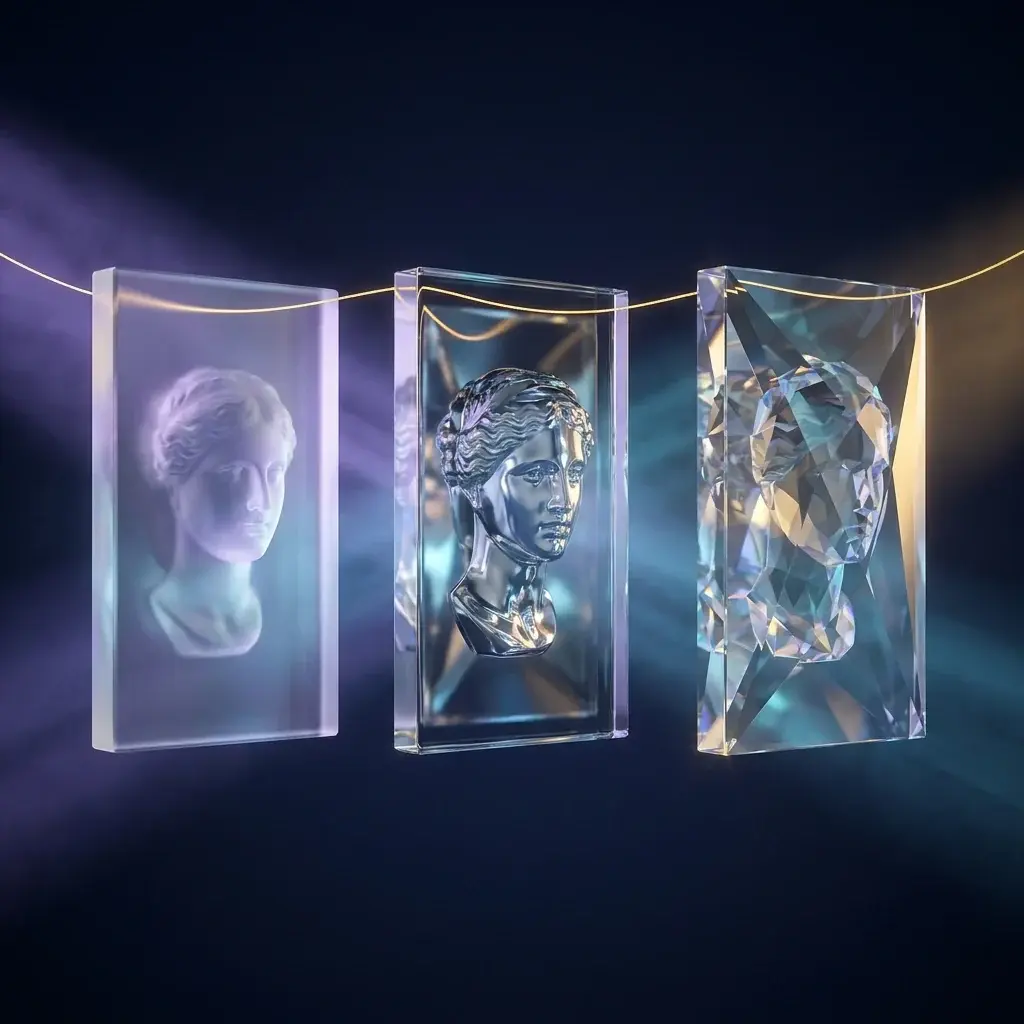
ReDesign takes an already flattened image and returns it split into layers, with each element separated. From there, you can recolor, reposition, and resize pieces individually.
The comparison the source uses is direct: it's like turning a screenshot back into something close to a Figma or Photoshop project.
Why this matters
- Solves the most common and most annoying design case: you have the JPG, but not the editable file.
- It's small — under 4 GB — and runs locally.
- In published tests, it comes out ahead of other image-to-layers converters.
1.It's not a model — it's an orchestra
2 minWorth knowing this before installing, because it explains both the quality and the failure points. ReDesign is not a network trained from scratch: it coordinates tools that already exist, each one handling a part of the problem.
- PaddleOCR — reads the text present in the image.
- Qwen Image Layered — layer generation.
- DINO and SAM 2 — detection and segmentation of elements.
Spec sheet
- License
- Open source (GitHub)
- Size
- Menos de 4 GB
- Components
- PaddleOCR, Qwen Image Layered, DINO, SAM 2
Continue in the full microcourse
You've read the opening of 3 classes
The microcourse covers the complete step-by-step, the selection criteria, where the tool fails, who it's really for — and, in the Expert version, the official address to start today.
- Installing — and the API key gotcha2 min
- What you can do after separating2 min
How we verified
We track releases straight from primary sources, transcribe what's demonstrated, check every name and number against the manufacturer's official documentation, and rewrite it in Portuguese — with what the tool no do it together, which is the part the ad leaves out.