
16 microcourses · first lesson always free
Inventing
Every week, dozens of new tools come out, almost always announced in English and in half-hour videos. Here, each one becomes a short microcourse in Portuguese — what it is, how to use it, and where it falls short — checked against the manufacturer's official documentation.
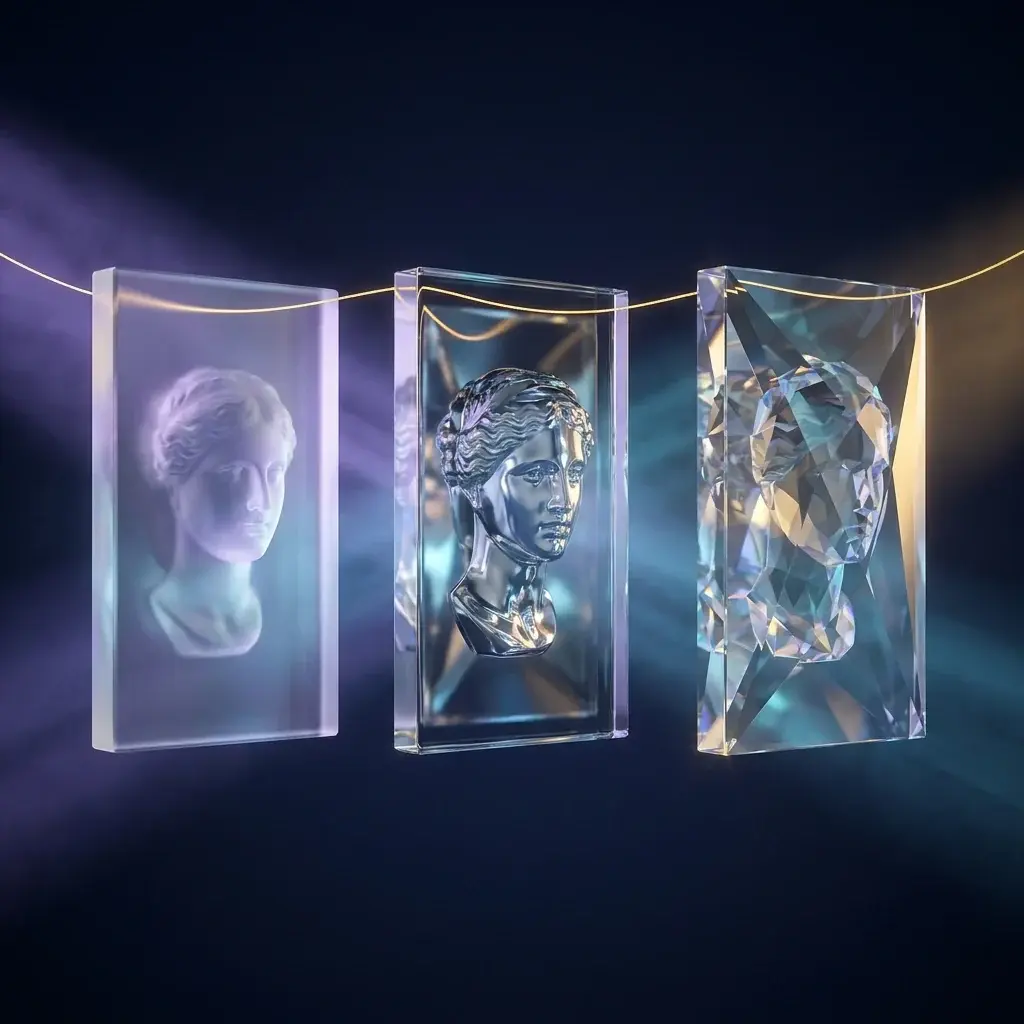 Video6 min3 classes
ID-V2V: change the video's style without changing the actor
You edit one frame. The model spreads that look across the entire video — and the face stays the same.
View free microcourse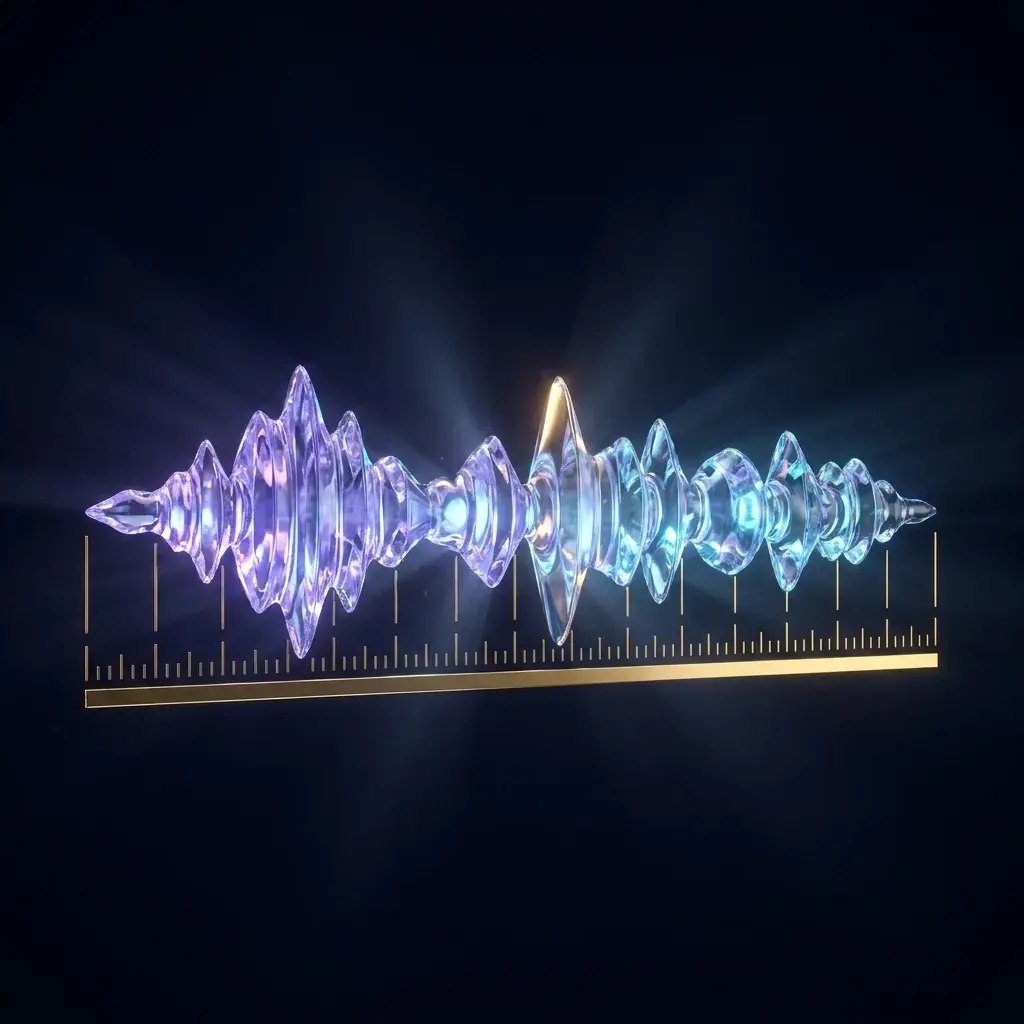 Audio7 min3 classes
CrisperWhisper 2: transcription with word-level timing
Two output modes — what the person actually said and what they meant. Runs even without a graphics card.
View free microcourse Models8 min3 classes
DeepSeek V4 Flash 0731: frontier intelligence for three cents
Top-tier performance for about US$0.03 per million tokens — and the model is published for download.
View free microcourse Image6 min3 classes
ReDesign: turning a flat image into editable layers
A screenshot becomes something like a Figma file again. Under 4 GB.
View free microcourse Models6 min3 classes
Kimi K3: the largest open model — and what you can do with it
2.8 trillion parameters, native vision, 1.56 TB file. The weights came out on the promised date.
View free microcourse Models7 min3 classes
Instella: AMD's model trained without a single Nvidia
16 B parameters, 2.8 B active, and something rarer: the checkpoints and training recipes published.
View free microcourse Image5 min3 classes
Ideogram Object Remover: removing the object, the shadow and the reflection
You pinpoint what you want to remove with the brush. What comes off along with it is what separates a good remover from a bad one.
View free microcourse Video5 min3 classes
Higgsfield: Marketing Studio and Cinema Studio
Several video models in a single subscription, with two ready-made flows — ad and film.
View free microcourse Models6 min3 classes
Inkling Small: the open model that listens
It's not the smartest in its class. It's the one that understands audio, image, video, and text all at once.
View free microcourse
How access works
A the first lesson of every microcourse is free, no sign-up. The full version — step by step, selection criteria, where the tool fails — opens by plan, and the entire microcourse is from the Expert.
- All·1st lesson, always open
- Explorer·Lesson 2 + limitations
- Professional·Lesson 3 + who it's for
- Expert·Everything, across all microcourses