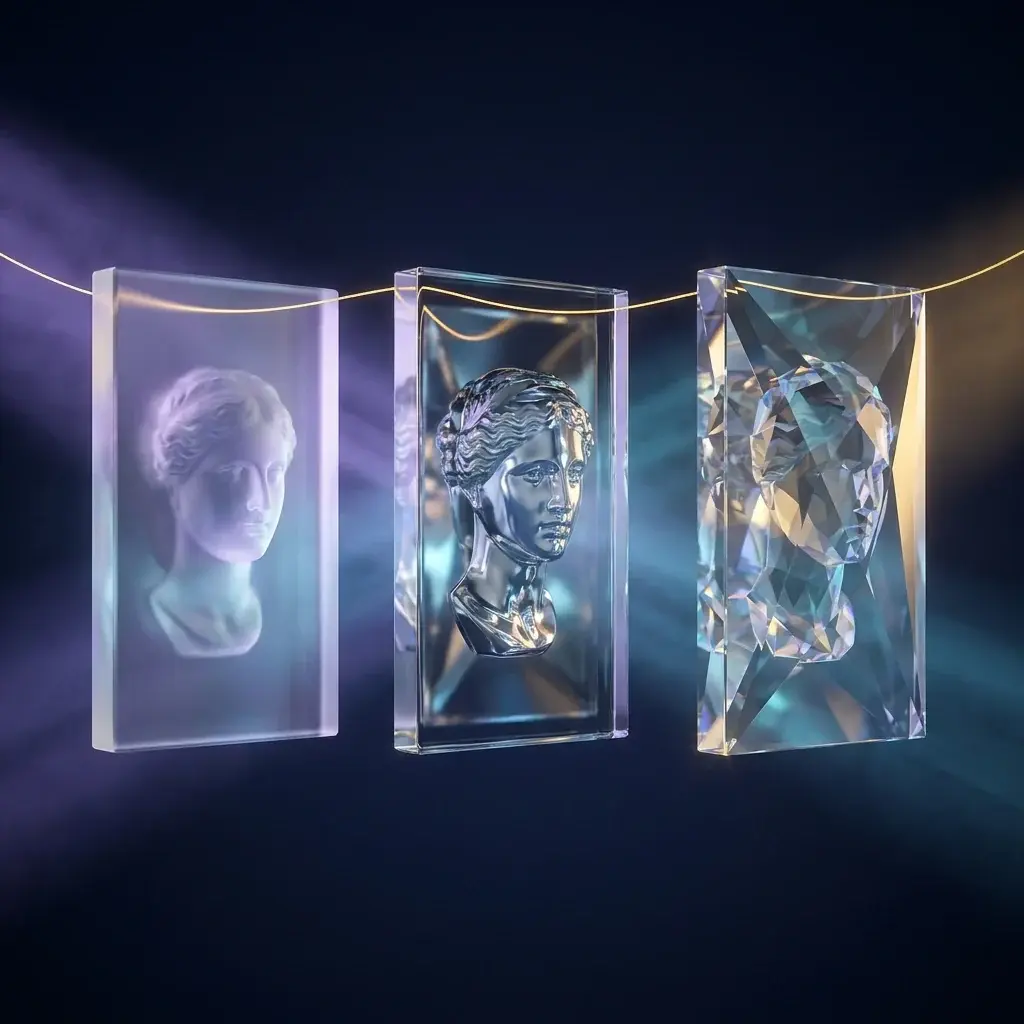
CrisperWhisper 2 turns audio into text, like any transcriber. The difference lies in two design choices that solve opposite problems with the same model.
The first is having two output modes. The second is delivering the start and end time of each word, not the whole block — which completely changes what you can automate afterward.
Why this matters
- Accurate captions depend on word-level timing; without it, alignment is done by eye.
- The smaller model is under 500 MB and runs without a GPU — it fits on practically any computer.
- In the comparison published by the authors, it comes out ahead of well-known paid services, including in time-stamping error.
1.The two modes — and when to use each
2 min- Verbatim. Transcribes everything: stuttering, hesitation, laughter, repetition, behavior markers. That's what you want for interviews, qualitative research, speech analysis, and faithful captioning.
- Intended. Removes hesitations and speech noise and returns clean text. That's what you want for meeting notes, articles, scripts, and anything that will be read.
Note that the choice isn't about quality — it's about the text's purpose. The common mistake is running everything in clean mode and realizing too late that the hesitation was the data that mattered.
Spec sheet
- License
- Open source (modelos no Hugging Face)
- Models
- 4, from 0.2B to 2B parameters
- Smallest model
- < 500 MB, runs without GPU
Continue in the full microcourse
You've read the opening of 3 classes
The microcourse covers the complete step-by-step, the selection criteria, where the tool fails, who it's really for — and, in the Expert version, the official address to start today.
- Test without installing anything2 min
- Choose the model size2 min
How we verified
We track releases straight from primary sources, transcribe what's demonstrated, check every name and number against the manufacturer's official documentation, and rewrite it in Portuguese — with what the tool no do it together, which is the part the ad leaves out.